Calibrating the DEM Model
The DEM input data needs calibration. The following approach can be used to calibrate your model against a known, existing chute:
- Build a model of an existing chute.
- Set up different feed streams with different capacities and particle size ranges to simulate the material's grading/% passing – e.g. one feed for 100–150 mm lumps at 1000 tph in one feed box, another feed stream at 3500 tph for 70–100 mm lumps, and so on.
- Run the calculation and note the impact point in the lower chute after the material's first impact onto the rock box or impact plate.
- Set the material's co-efficient of restitution low, and note the height of the second impact point on the sloping sides.
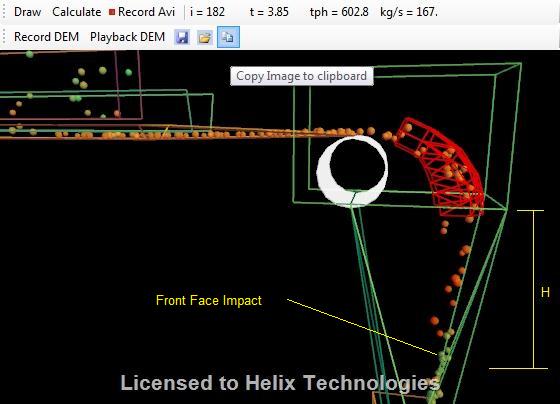
Now increase the impact plate layer's co-efficient of restitution and note that the impact point has shifted:
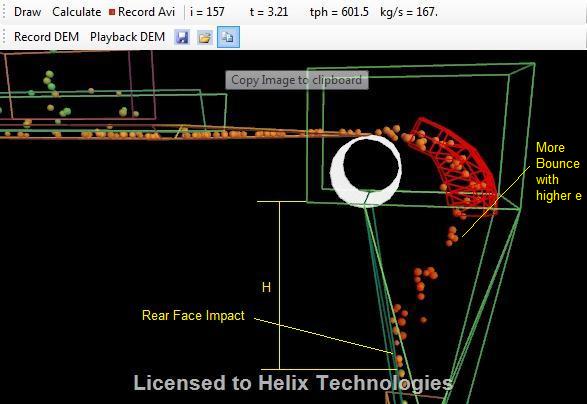
These are the two extremes. If you measure the impact points in the real, existing chute and adjust the model's restitution until it gives the same impact points, the model is calibrated:
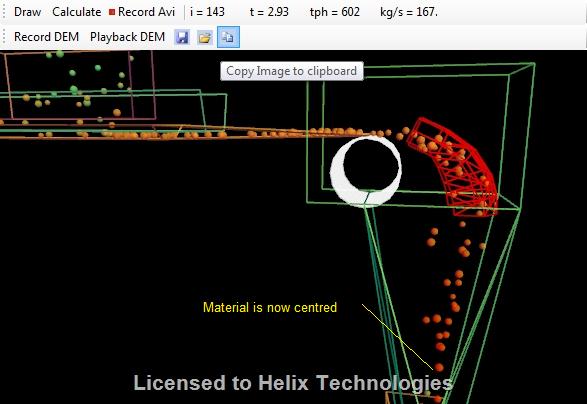
You can then extrapolate these calibrated values to a new chute design with confidence, because they've been validated against your own material's real-world behaviour.