Chute Drawing Data Structure
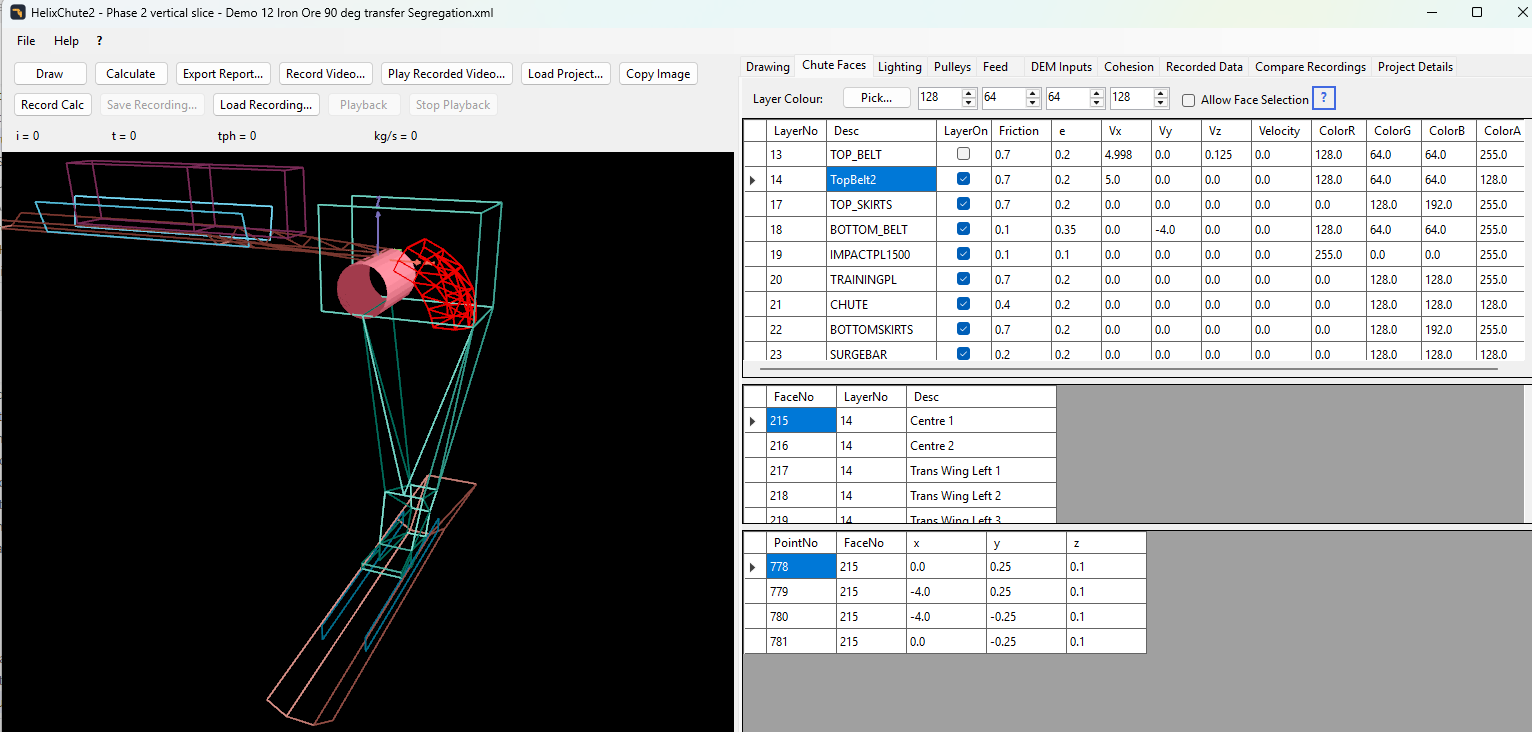
HelixChute2 gives you a simple way to draw a transfer chute. Each element of the chute is made up of flat surfaces, or planes, called Faces. Each Face consists of at least 3 points in space, called Vertices, each with an X, Y and Z ordinate (units are metres).
Layers, Faces and Vertices
- Layer – groups a set of Faces together that all share the same properties (colour, friction, restitution, velocity).
- Face – a set of vertices in the same plane; at least 3 vertices.
- Vertex – an X, Y, Z point in space.
A Face needs at least three Vertices – you can add more if you wish, but any four or more vertices in the same Face must lie in the same plane. Three points are always coplanar; four or more may not be, so check this carefully when adding faces with more than three vertices. If they are not coplanar, the program cannot calculate a normal vector for the face, and particles will not reflect off it correctly.
Face winding and colour
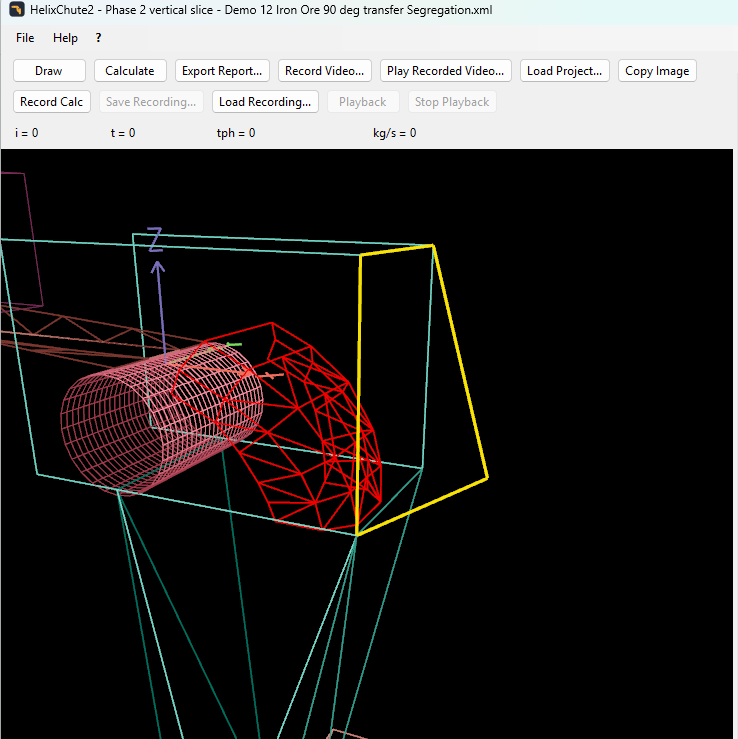
HelixChute2 uses anticlockwise winding: the front face of a plane is the one seen when its vertices are entered in an anticlockwise order (looking at the face from the front). The front and rear faces are shaded differently. Face colour, friction, restitution and velocity are all set at the Layer level – a Layer is a group of one or more Faces that share these properties.
Draw each face with its front towards the material: the top of a belt, and the inside of a chute, head box or impact plate. The drawing tools on the Layers table's right-click menu (Draw Belt, Draw Lower Chute, Draw Discharge Head Box and Draw Curved Impact Plate) all do this for you. If a face is shaded differently from its neighbours because it was drawn the other way round, right-click it in the Faces table and choose Swap Face Winding Direction. Particles bounce off either side of a face, so the winding affects shading and exported geometry, not the calculation. In the Transparent display mode both sides of a face look the same, so winding makes no visible difference there.
You can set the drawing mode to Fill (solid faces), Line (wireframe edges only), Point (vertices only) or Transparent (a see-through view with outlined faces) – see Drawing Settings.