Program Features
HelixChute2 has the following main features:
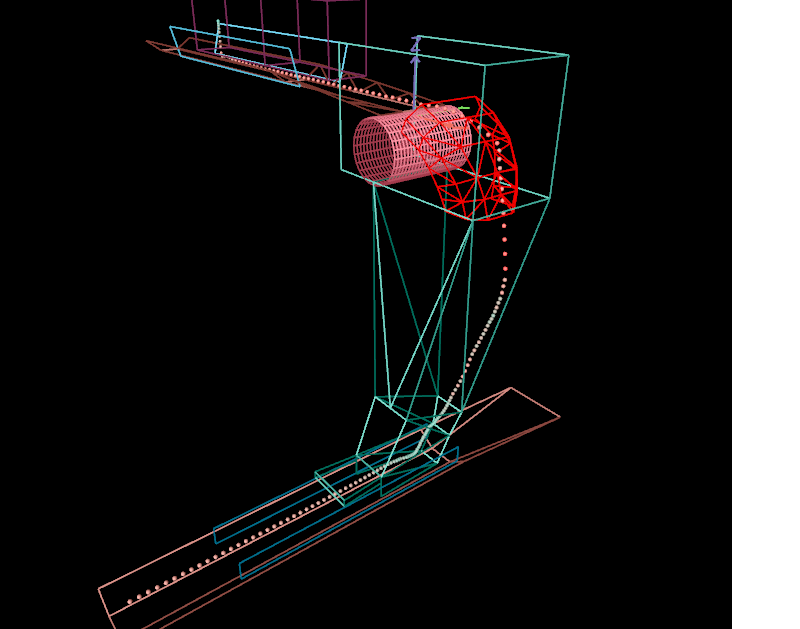
- Draw a 3D model of the transfer station directly in the program.
- Import transfer chute geometry from a CAD or 3D modelling program – DXF, STL or OBJ.
- Add multiple feed and receiving conveyor belts.
- Add multiple material feed points, each with its own material properties.
- Add conveyor pulleys to the transfer chute.
- Model any chute geometry.
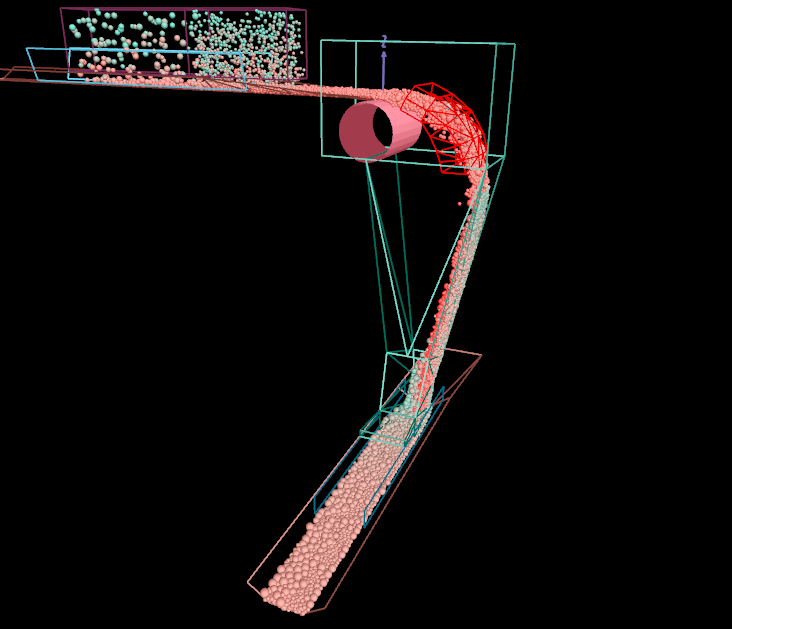
- Discrete Element Method (DEM) particle flow modelling to predict the flow of particles through the chute.
- Record the particle flow to an MP4 video file.
- Export the final design geometry back to a CAD or 3D program (DXF, STL or OBJ) for incorporation into project drawings.
- Generate reports showing particle positions and velocities at each recorded time step.
- Trace a single particle's trajectory as it collides with other particles and the chute faces, belts and other surfaces.
- Play back a recorded calculation, one step at a time, to observe collision points and rebound trajectories.