Simulating Wet/Sticky Material (Cohesion)
Wet or sticky bulk material clumps together rather than flowing as loose, dry particles. HelixChute2 models this with a particle-particle cohesion force – an extra attractive force between particles that are touching, on top of the normal contact forces already governing every simulation.
Cohesion Energy Density k, on the Cohesion tabsheet, is the single control for this.
What a DEM model can and can't tell you about sticky material
DEM stands for Discrete Element Method: the material is represented as separate (discrete) particles, each moving on its own and interacting with the others only where they touch. That is exactly why DEM suits free-flowing material such as dry ore, coal or grain.
Real cohesion works against that picture. Wet or sticky material holds together because of moisture films and liquid bridges between grains, and because clay and fines coat the coarser lumps. Those act at a scale far smaller than any particle a chute model can afford to simulate – a model might use particles of 50–200 mm, while the fines and water doing the sticking are fractions of a millimetre. As the material binds together, it stops behaving like separate particles at all and starts behaving more like a single, continuous mass. In that sense, simulating cohesion is going against the grain of what DEM is built to do.
HelixChute2 bridges the gap the way DEM software generally does: it adds an attractive force between touching model particles (Cohesion Energy Density k) that stands in for the combined effect of all that unmodelled moisture and fines. This is an effective representation, not a physical one – k has no measured value to look up, and it only means something once it has been calibrated against the real material (see Setting it up below).
- It does show the trend: sticky material heaps more steeply, clumps, flows less readily and is more prone to hanging up in shallow valleys and corners than the same material dry.
- It does not reproduce build-up on chute walls. Cohesion here acts only between particles, not between particles and the chute plates, so material sticking to and gradually building up on walls, impact plates and valleys is not modelled.
- It does not capture behaviour that develops over time, such as material consolidating and gaining strength as it sits, drying out, or carryback accumulating over a shift.
- It cannot predict whether a real chute will block. Real blockages from wet fines depend on moisture content and fines grading that the model does not include.
Setting it up
- Go to the Cohesion tabsheet.
- Enter a value for Cohesion Energy Density k (Pa). 0 disables cohesion entirely (the default, and every existing project file, since this is a new feature).
The force between two touching particles is k × A, where A
is the actual contact area between them (larger particles, or particles pressed more firmly
together, have a bigger contact patch and so a stronger cohesive pull). There is no material
property table to read k from – calibrate it the practical way, the same
way this style of model is calibrated in other DEM software:
- Run a stockpile/heap test (see Calibrating the DEM Model) with cohesion off (k=0) and note the angle of repose.
- Measure the real material's angle of repose when wet/sticky.
- Raise k and re-run until the simulated angle matches.
Cohesion, restitution and damping
Cohesion and particle – particle damping are separate controls that both act between touching particles, and it is worth being clear about which does what, because they are easy to confuse.
k. If particles are bouncing around
more than the real material does, cohesion is not the fix – damping (or friction) is.What each one actually changes:
| Control | What it does | Does it remove energy? |
|---|---|---|
| Cohesion Energy Density k | Pulls touching particles together, so material clumps and holds a steeper heap. | No – it is conservative, giving back everything it absorbs. |
| Restitution + damping | Controls how much of its approach speed a colliding pair keeps, so material bounces less and settles sooner. | Yes – this is the only particle-particle control that dissipates energy. |
Using both together
They combine independently – neither changes the other's setting – and for a genuinely wet, sticky material you will usually want both: cohesion to make it clump, damping to stop it bouncing. One small interaction is worth knowing about. Because cohesion resists particles separating, it slightly reduces the rebound you actually get, so the achieved restitution comes out a little below the figure you asked for:
| Requested restitution | k = 0 | k = 1000 | k = 5000 |
|---|---|---|---|
| 0.5 | 0.49 | 0.49 | 0.47 |
That is a few percent at a strong cohesion setting – close enough that you can tune the two more or less independently, but if you are matching a measured rebound closely, set the restitution with cohesion already at the value you intend to use.
Why a coarse time step can hide the effect
HelixChute2 guards every particle contact against a single calculation step moving a particle further than it has actually overlapped, by capping that step's force to:
maximum force = overlap × particle mass / time step
A larger time step makes this cap smaller – so at a coarse time step, both the ordinary repulsive contact force and the added cohesive force get capped more aggressively, and cohesion's contribution can end up almost entirely clipped away before it ever shows a visible effect. A finer time step raises the cap and lets cohesion actually come through.
In practical terms: if increasing Cohesion Energy Density k doesn't seem to be doing much, try reducing the time step (DEM Inputs tabsheet) before assuming k needs to go higher. A tenfold reduction in time step (e.g. 0.005 s → 0.0005 s) is a reasonable first experiment.
Don't just raise k to compensate
If cohesion still looks too weak after reducing the time step, resist the urge to push k much higher to compensate. Cohesion is an attractive force, and in a densely packed pile many particles can be pulling on their neighbours at once – enough simultaneous pulls on one particle can overwhelm the same per-contact force cap described above, and the pile becomes less stable, not more: particles get ejected from the simulation rather than clumping better. If you see particles flying apart or disappearing after raising k, that's this happening – back k off, and prefer a finer time step or a higher Particle/Face Stiffness (which also raises the same force cap) over pushing k further.
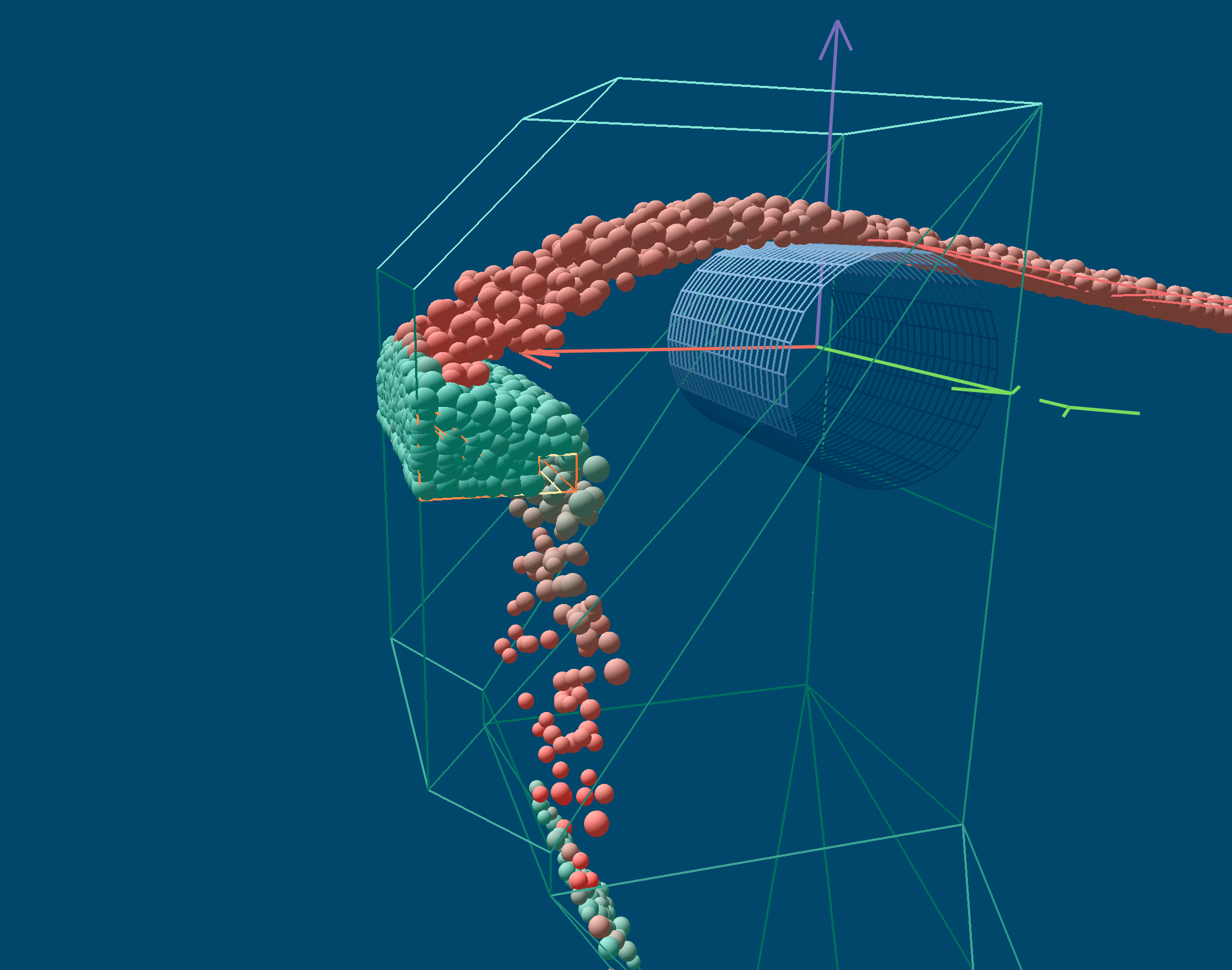
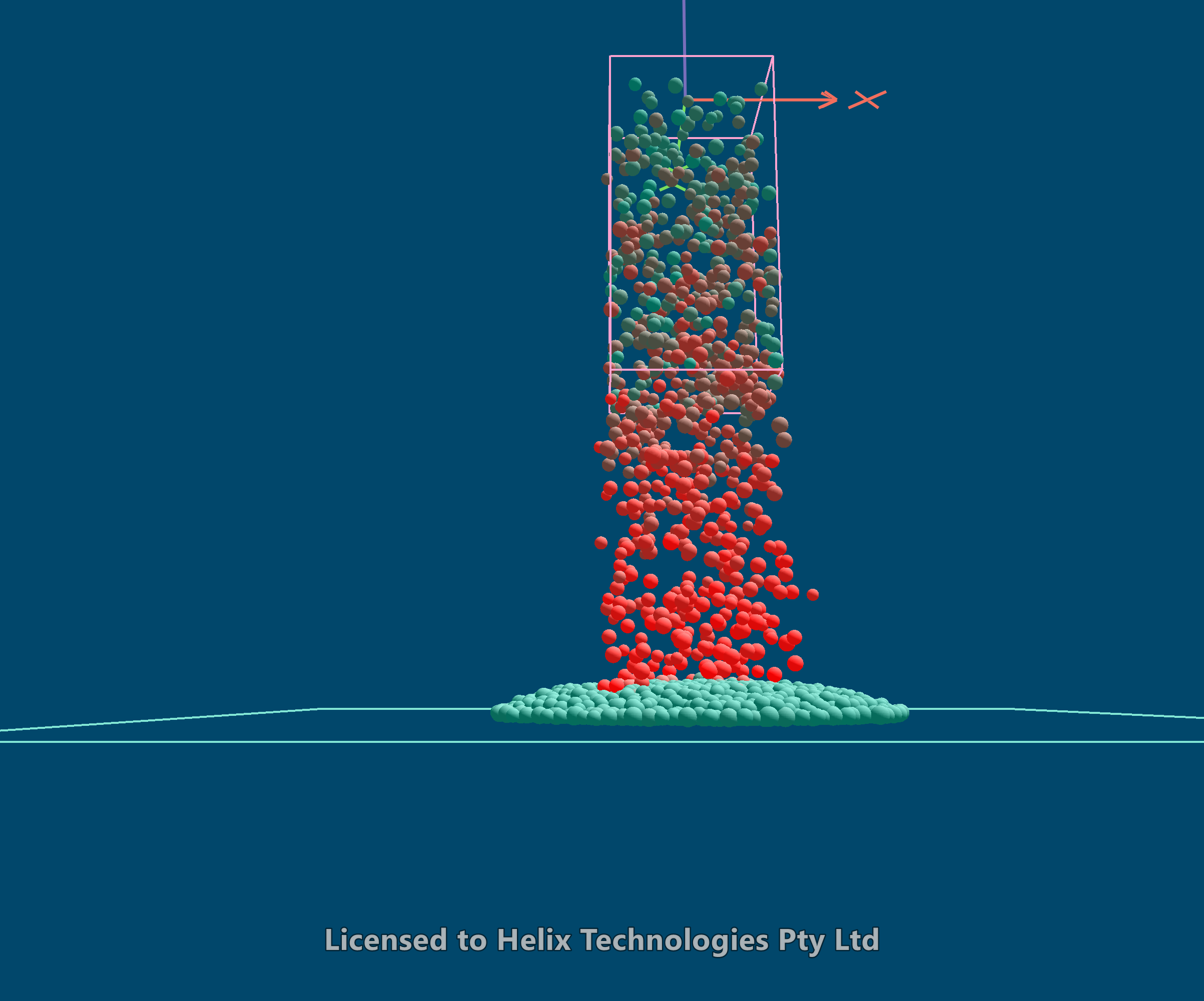
Material will not form a steep pile on a flat surface because the energy from falling following particles tends to move lower particles sideways.